Add content
Choose the files that play, and in what order.
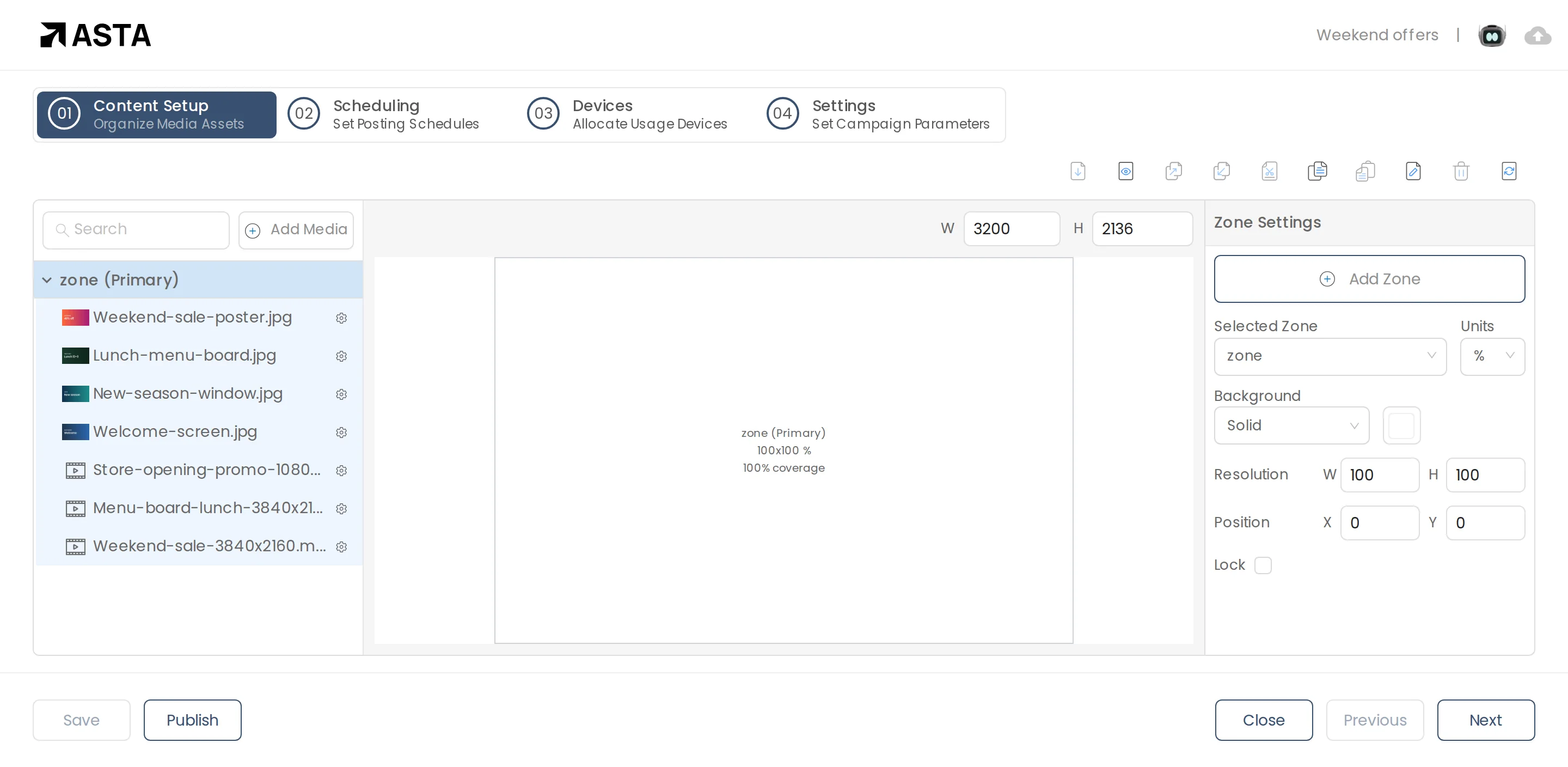
- In Content Setup, click Add Media.
- Choose Media Library and tick the files you want, or add text and other content.
- Drag files in the list to change the order.
- Click a file to set how long it shows. Pictures show for the time you set; videos play to the end.
Can't find what you need?
Email [email protected] and a person from our team will reply.