Create a command
Pick a command, schedule it and choose the screens. Professional
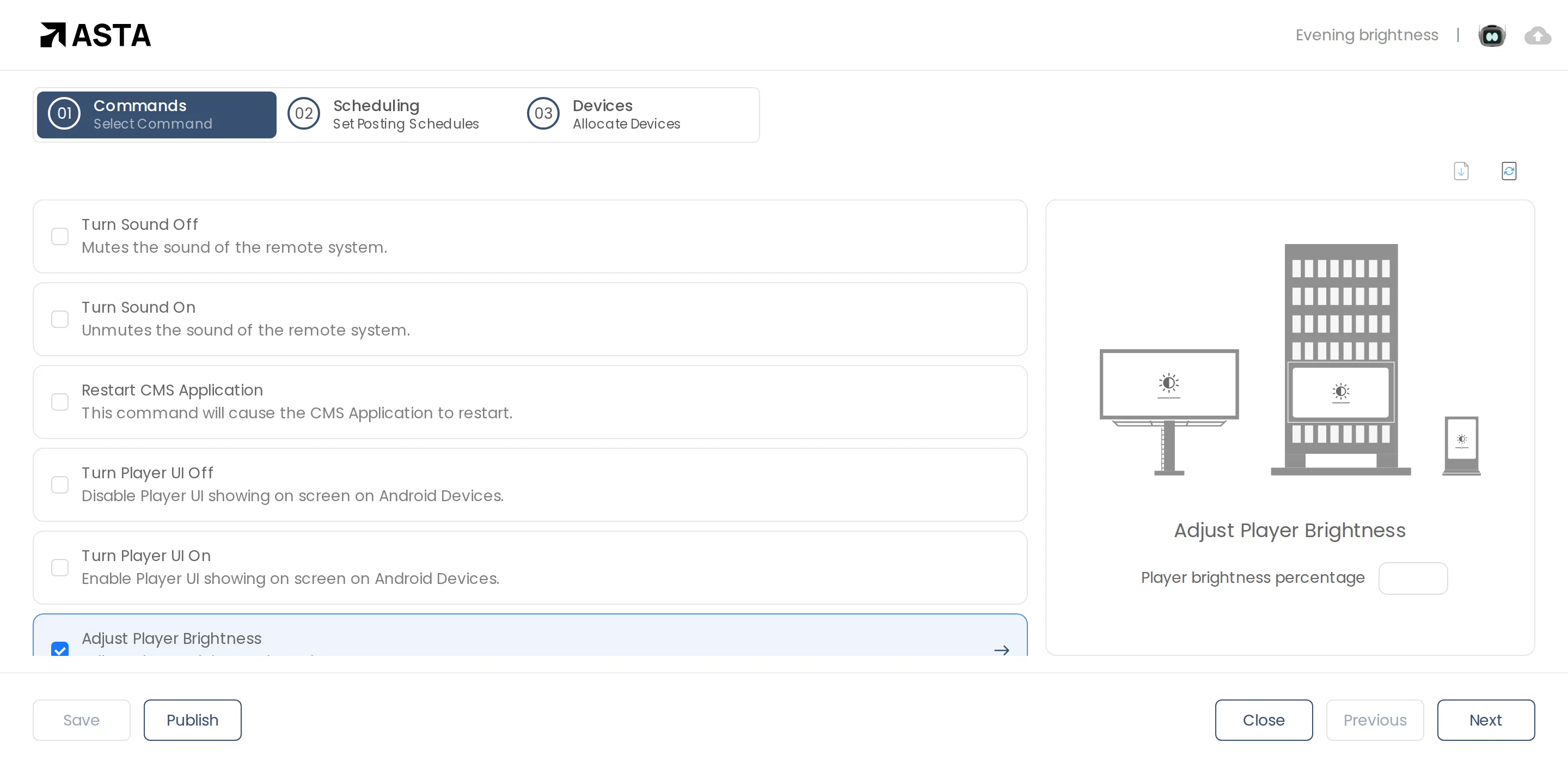
- Go to Commands, click Add New, then File, and name it, such as "Evening brightness".
- In Commands, tick the command. For brightness or volume, type the percentage.
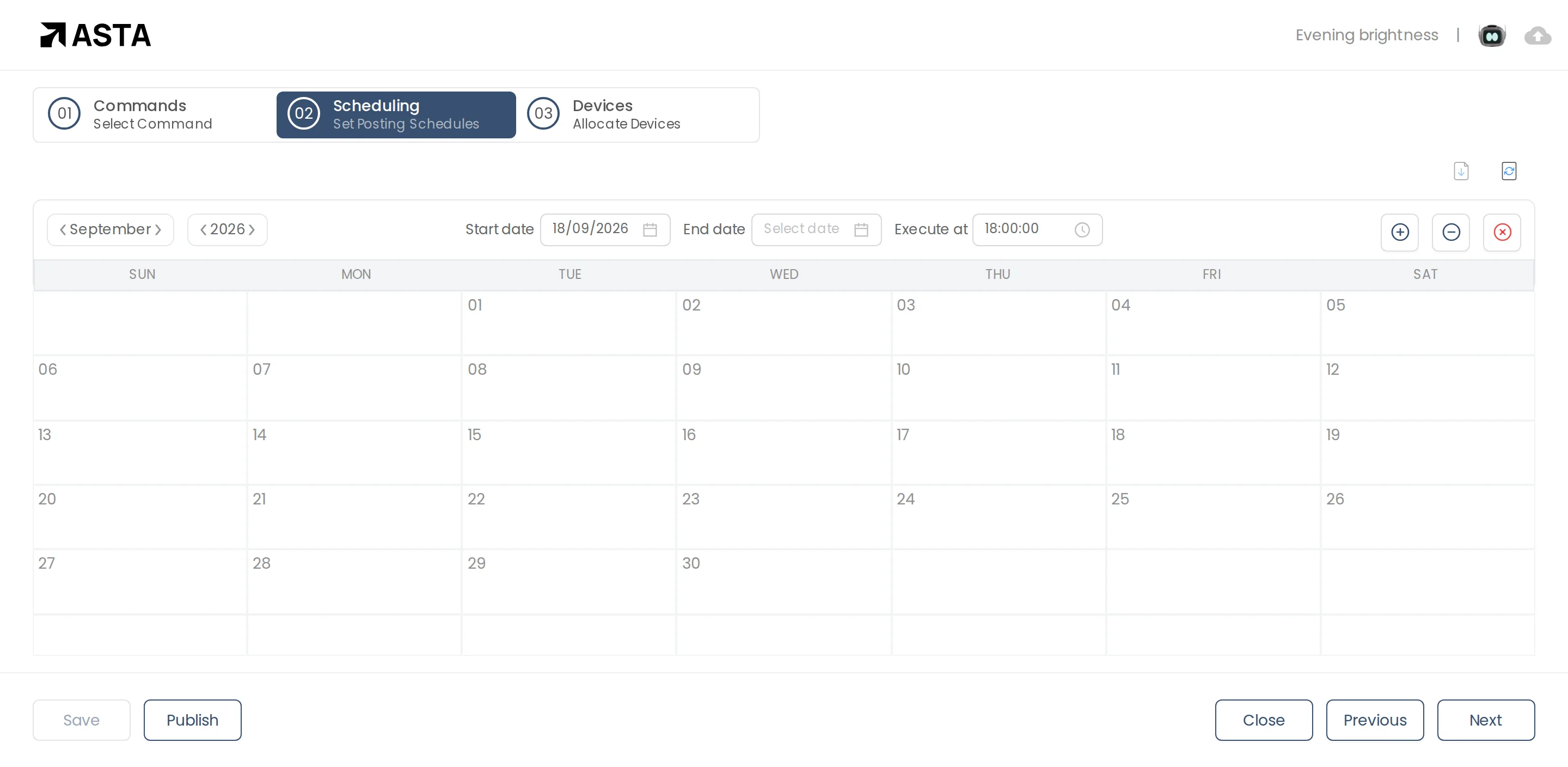
- Click Next. In Scheduling, set the Start date and the time to Execute at.
- Click Next, choose the screens, and click Publish.
Can't find what you need?
Email [email protected] and a person from our team will reply.