Pair a screen
Connect a screen to your account with its pair code.
Pairing links one screen to your account. You'll need the screen in front of you, showing the Asta app's pair code.
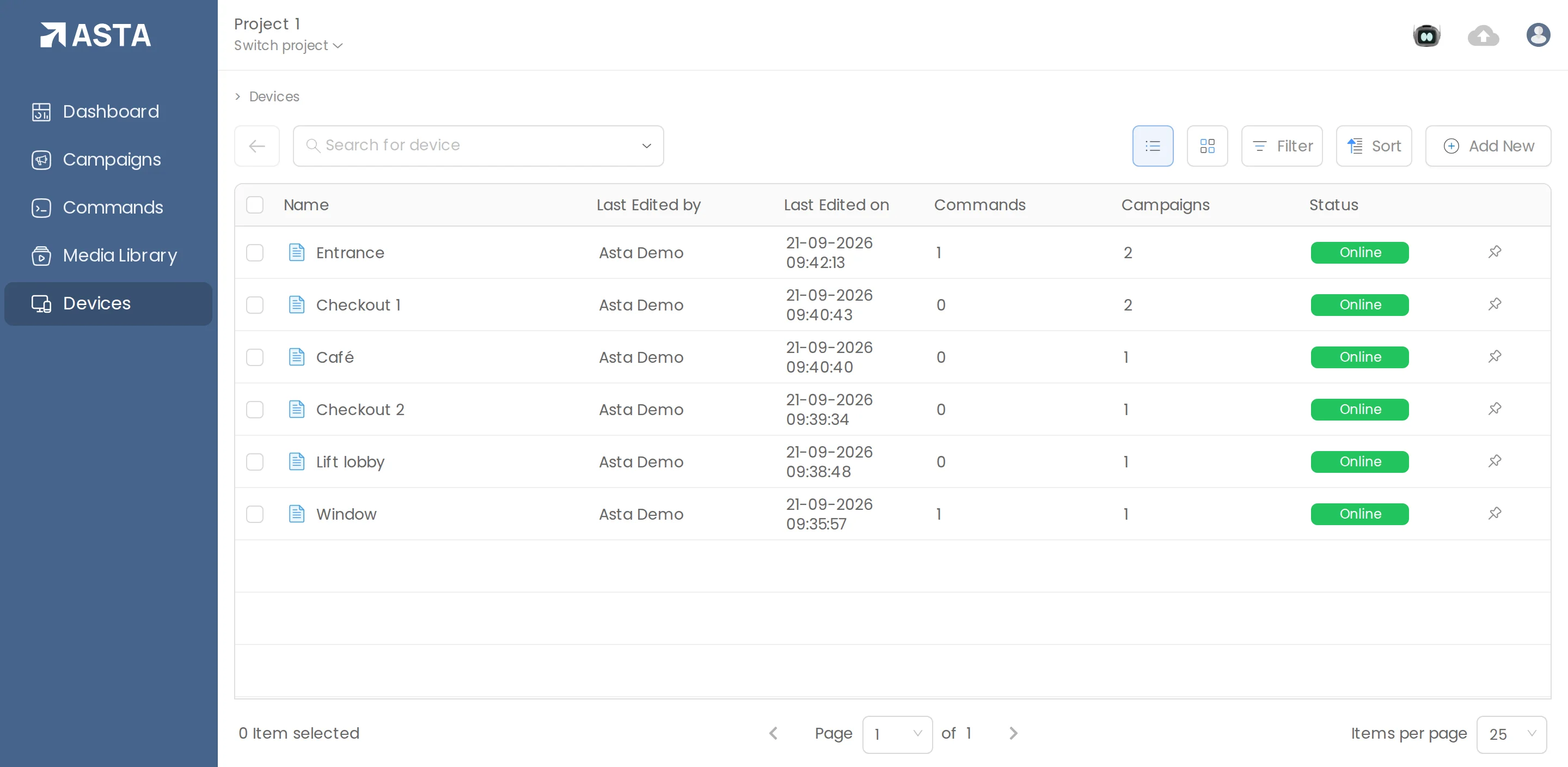
- Go to Devices and click Add New, then File.
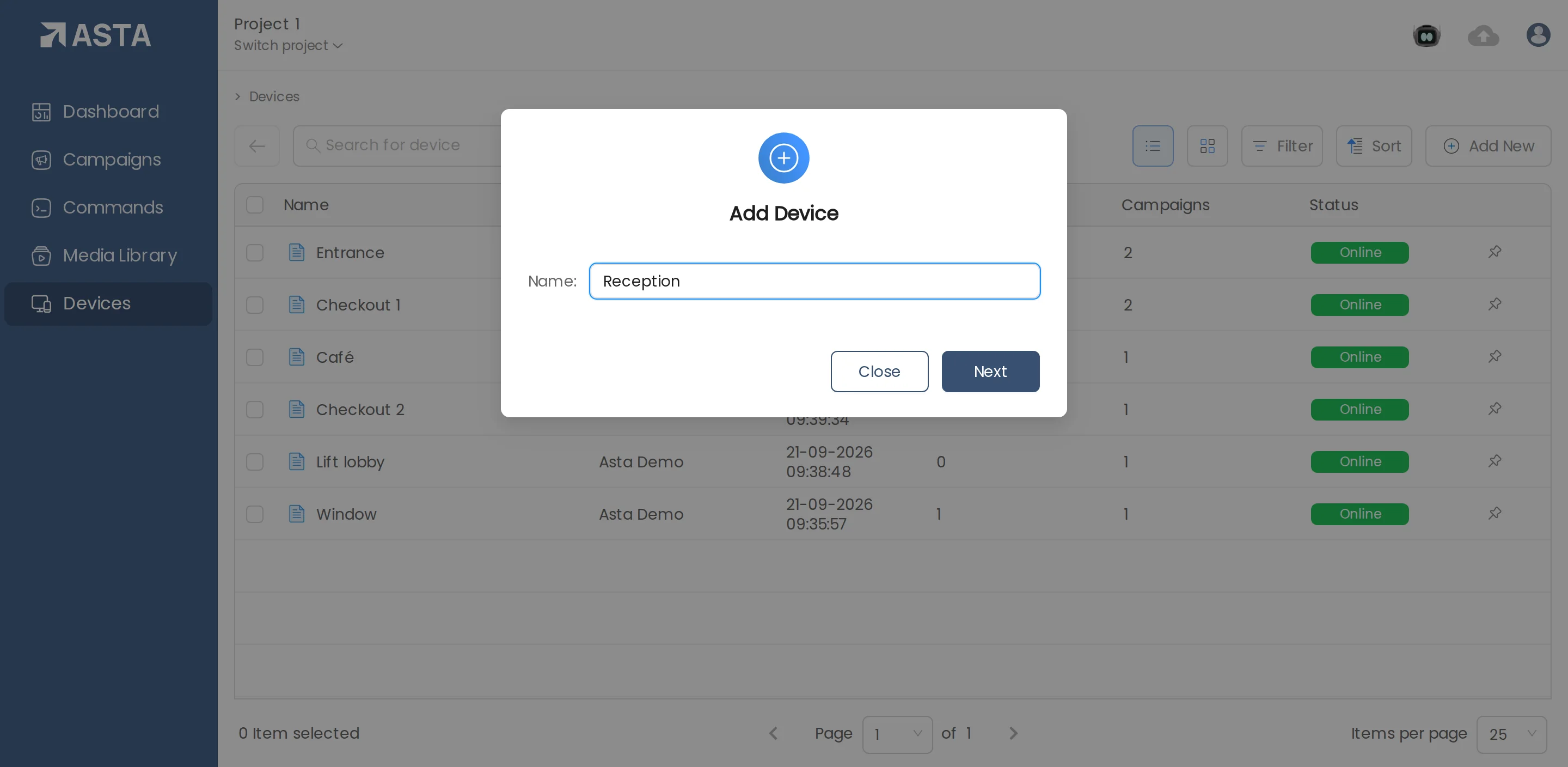
- Name the screen for where it is, such as "Reception, left wall", and click Next.
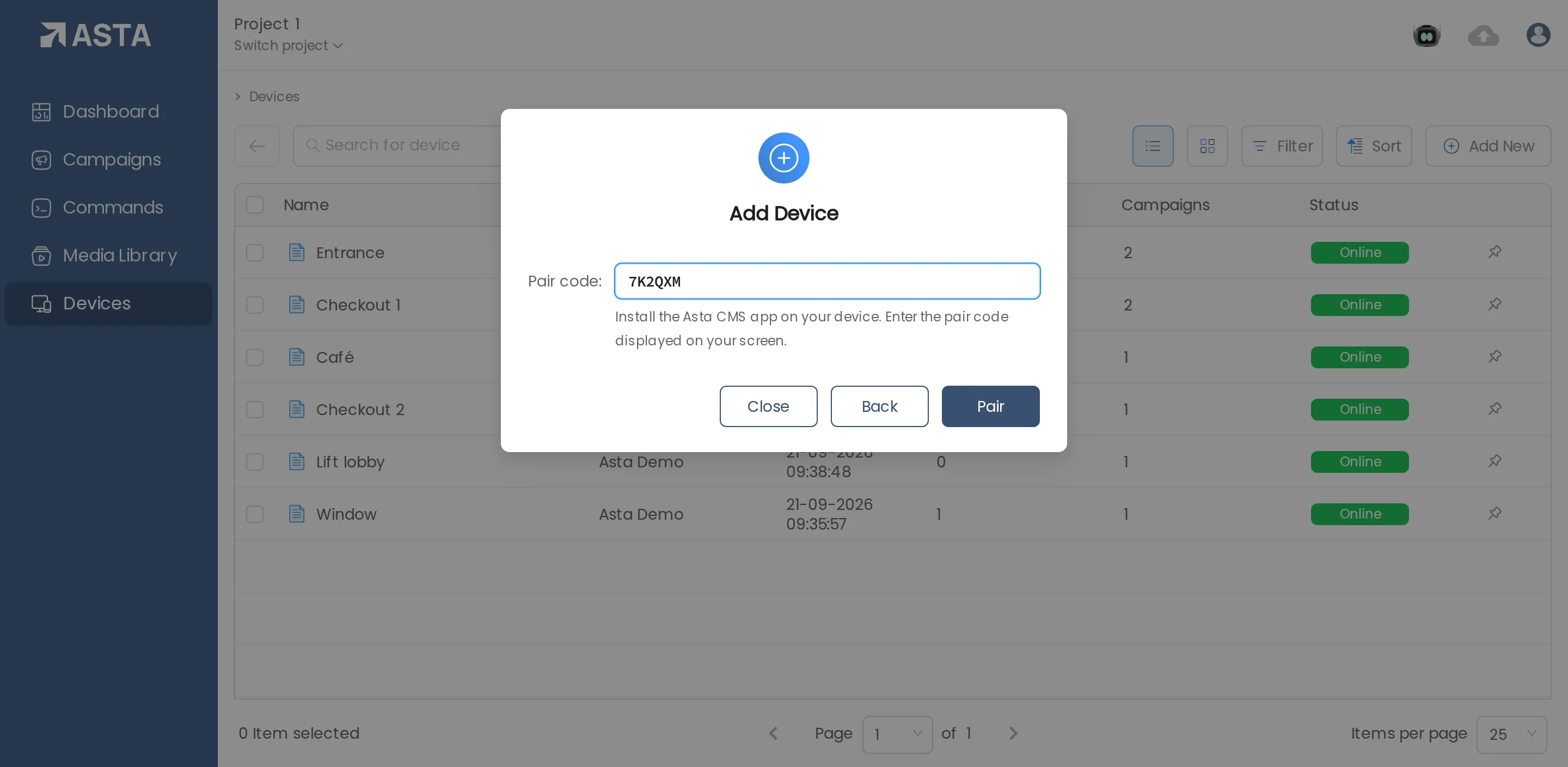
- Type the pair code shown on the screen and click Pair.
The screen then appears in the Devices list. Give it a campaign and it starts playing.
Can't find what you need?
Email [email protected] and a person from our team will reply.